About SYA Pro
Everything you need to know about working with SYA Pro
SYA Pro is our B2B platform for refurbished devices. On this page you'll find everything in one place: how to order, how our grading works, what to expect when you return a device, and where to go with your questions.
Take a look inside
This is what SYA looks like from the inside
In a couple of minutes you get a look inside our warehouse: how devices arrive, get tested and graded, and are prepared for shipping.
Information
What can we help you with?
The topics we get the most questions about, explained briefly.
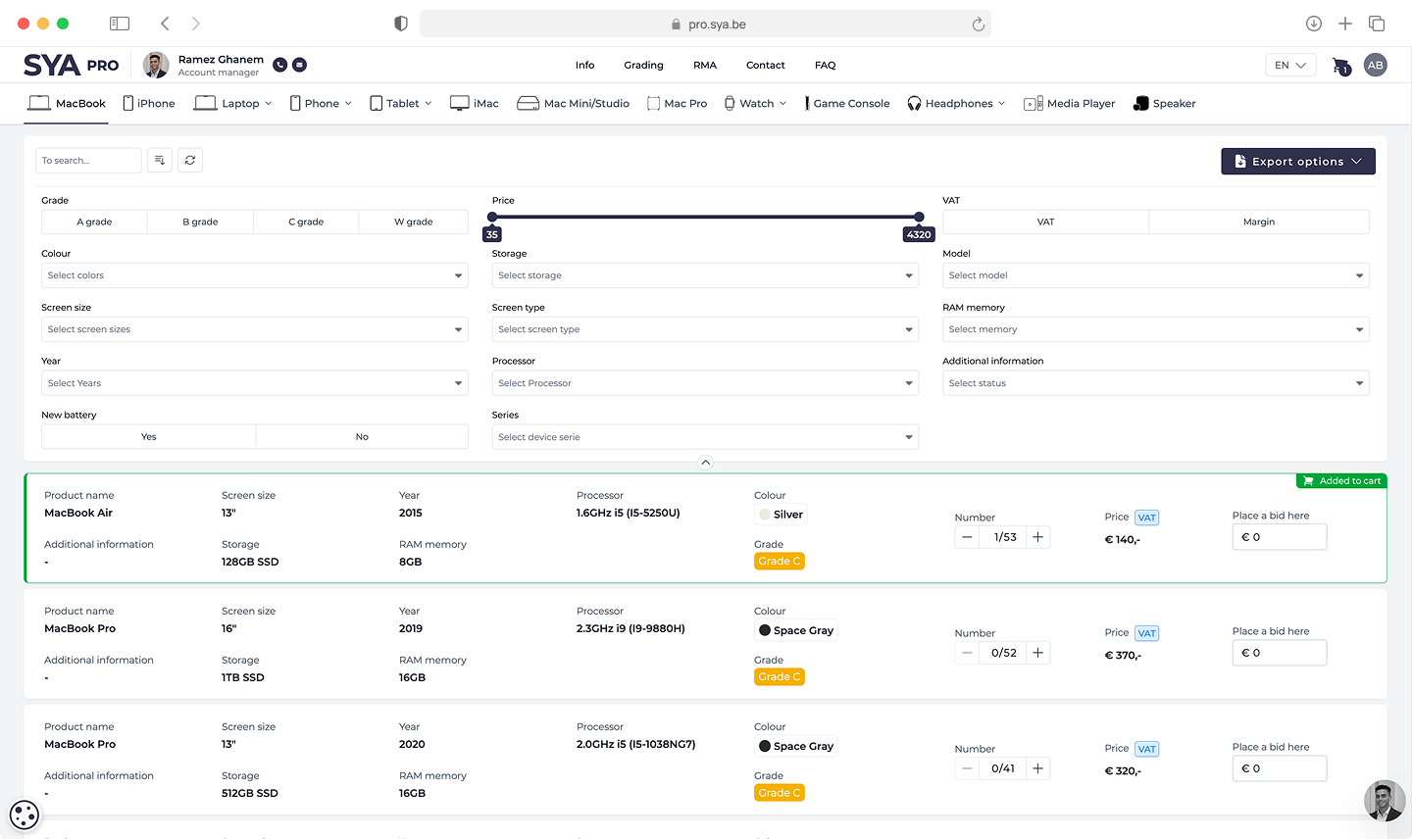
How to order
There are two ways to order. On the SYA Pro platform you browse the catalogue, add products to your cart and submit your order directly. Prefer to work offline? Download an export of our catalogue, fill in the quantities and any bids in the excel file, and send it to our sales team. Either way you get a confirmation and sales contacts you to finalise the details.
Read more
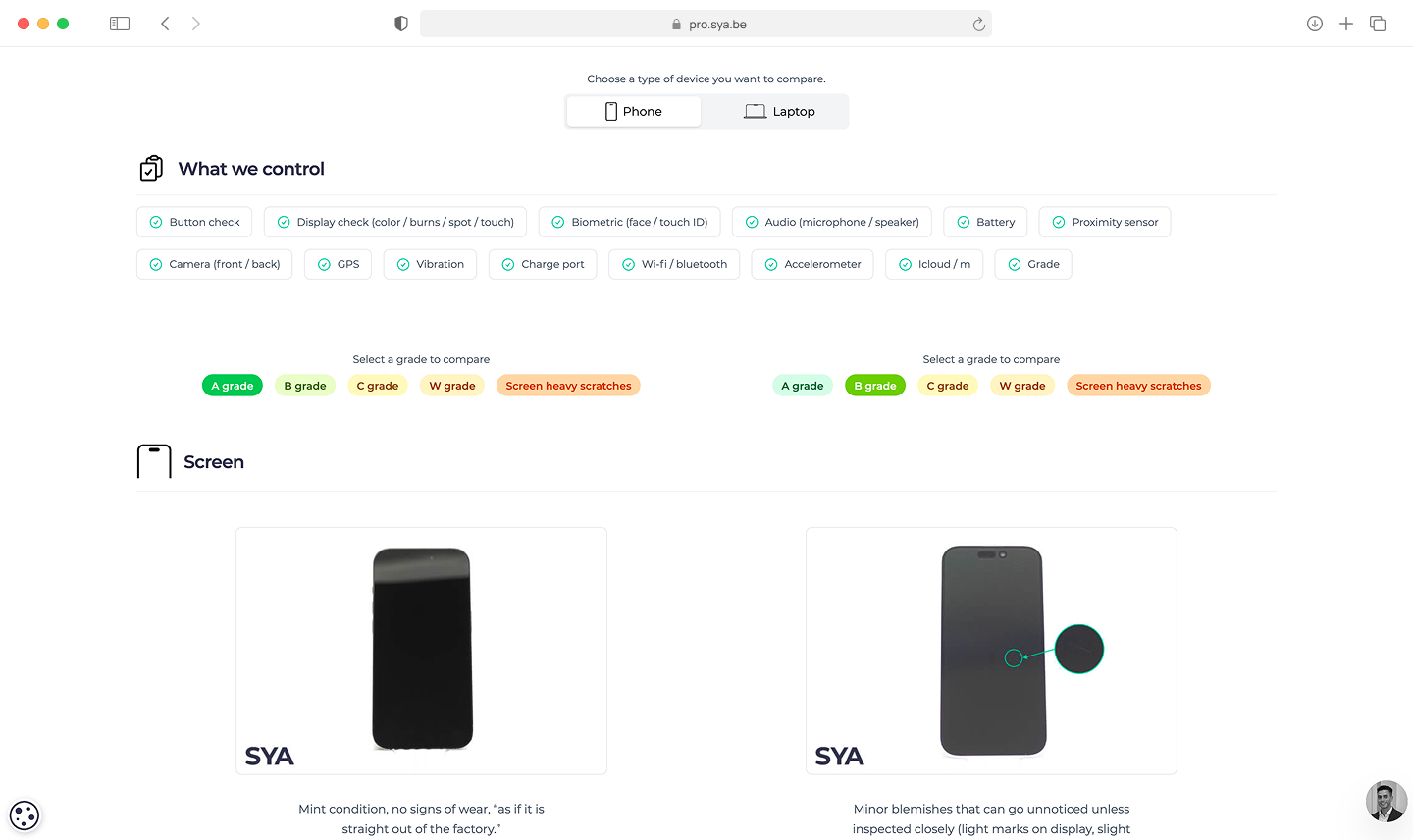
Grading
Every device gets a grade describing its cosmetic condition — from as good as unused to clear signs of use. The grade says nothing about how it works: every device is fully tested functionally before it leaves us. For smartphones we assess housing and screen separately, so you know exactly where any scratches are. Our comparison tool shows you what to expect per device type and per grade.
Read more
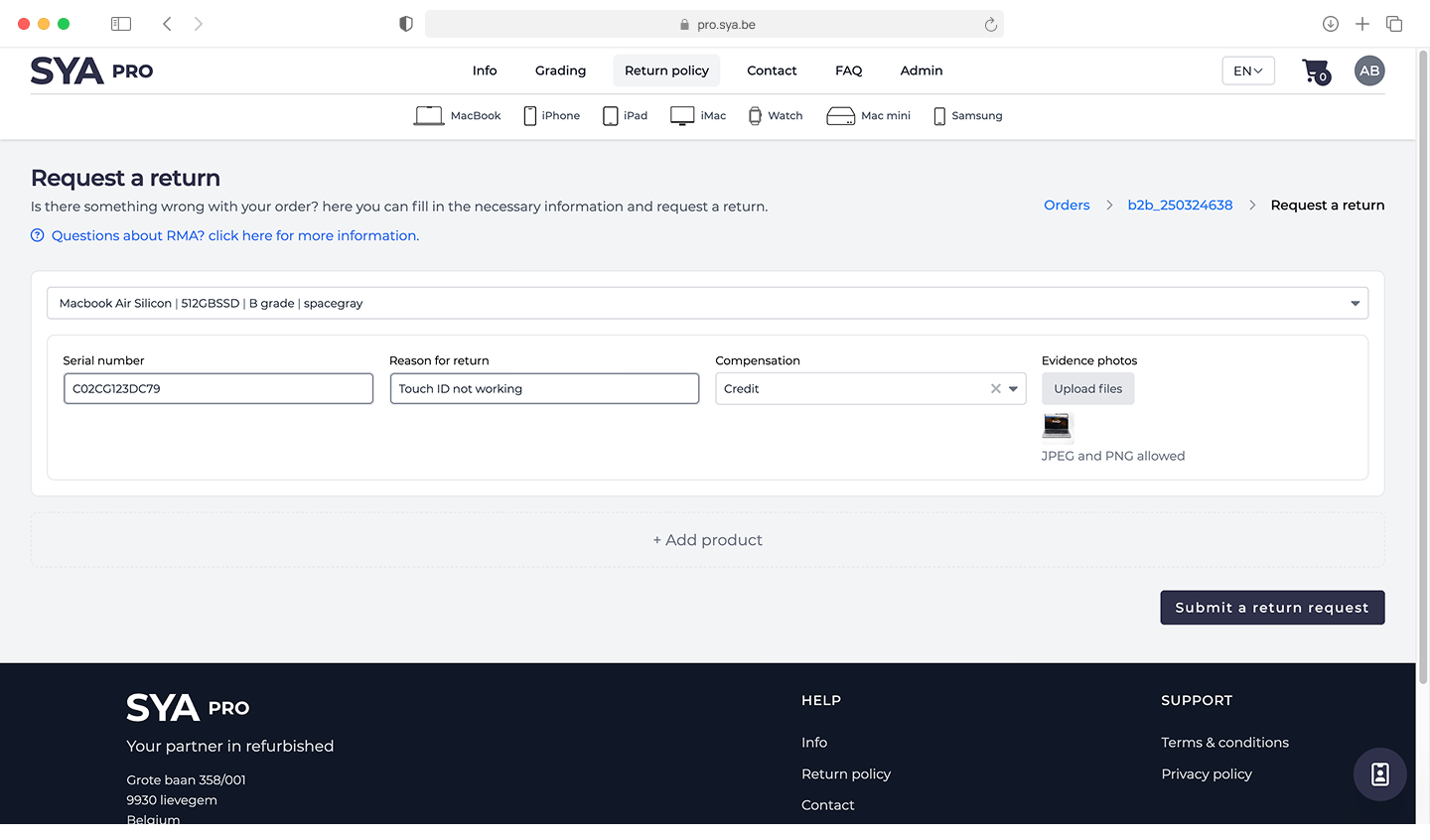
Returns
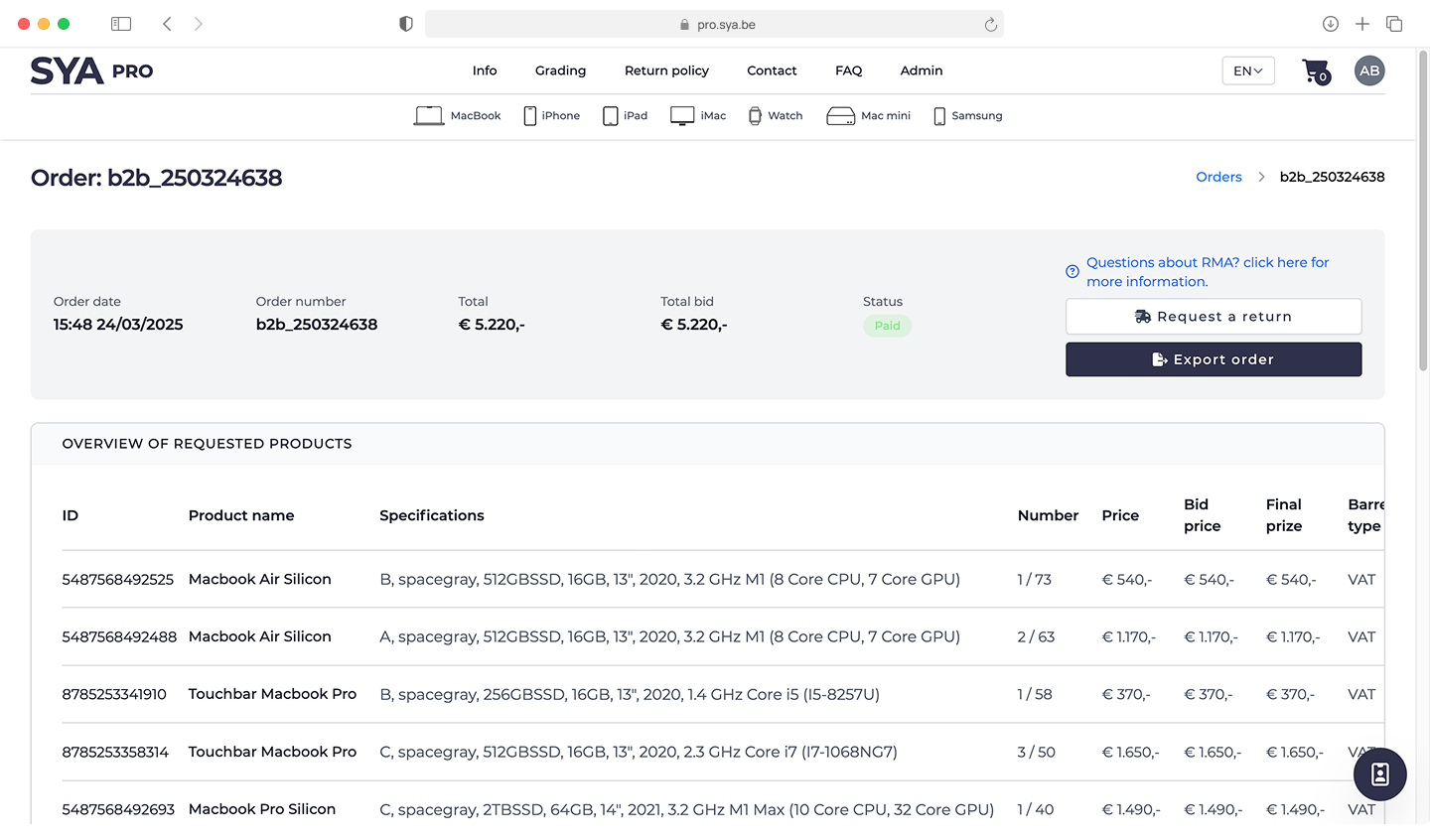
You can return a device up to 30 days after receipt. You submit a return request through your account, on the relevant order — you'll need the serial number, because warranty and returns only apply to purchases we can match to the original sales file. An approved RMA is credited, exchanged or refunded. Shipping costs for a return within those 30 days are yours, unless agreed otherwise.
Read more
Warranty
Our refurbished devices come with a standard 1-month warranty starting from the delivery date. If you want longer coverage, you can add an extended warranty to your order for an additional fee. The warranty covers hardware defects that are not the result of drops, liquid damage or misuse. For batteries, normal capacity wear is not covered. A warranty claim follows the same route as a return: you submit it through your account, including the serial number.

Shipping
SYA Pro ships to all countries. All devices leave from our warehouse in Belgium. Shipping fees and delivery times depend on your location and the size of your order. If you prefer to arrange transport yourself, that is possible too. Insured shipping is available as well. For larger volumes we plan transport together with your account manager.
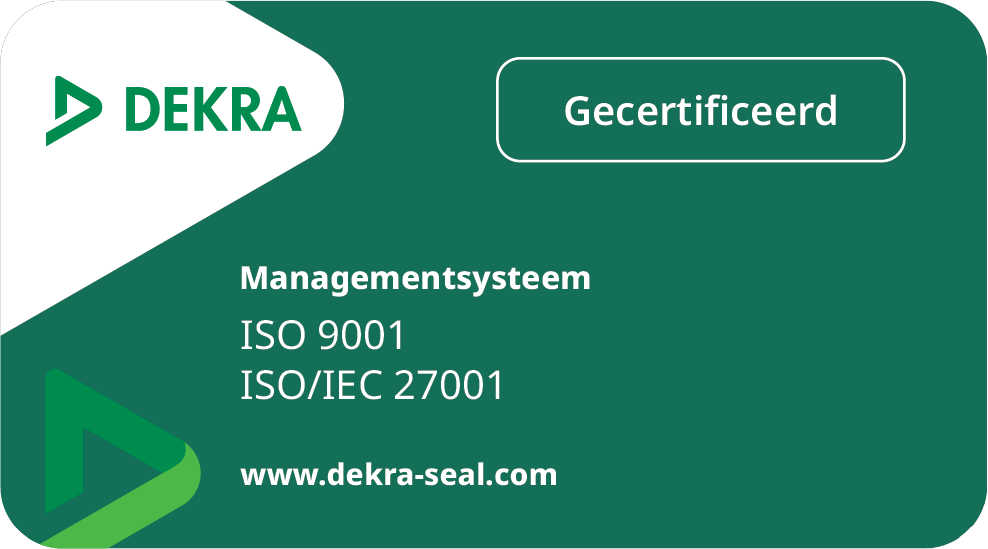
ISO certification
SYA has been ISO 9001 and ISO 27001 certified since 2026, audited by Dekra. That means our processes are externally checked every year on quality management and information security. For you as a partner, that is the guarantee that every device is tested, cleaned and packed according to the same fixed procedure.
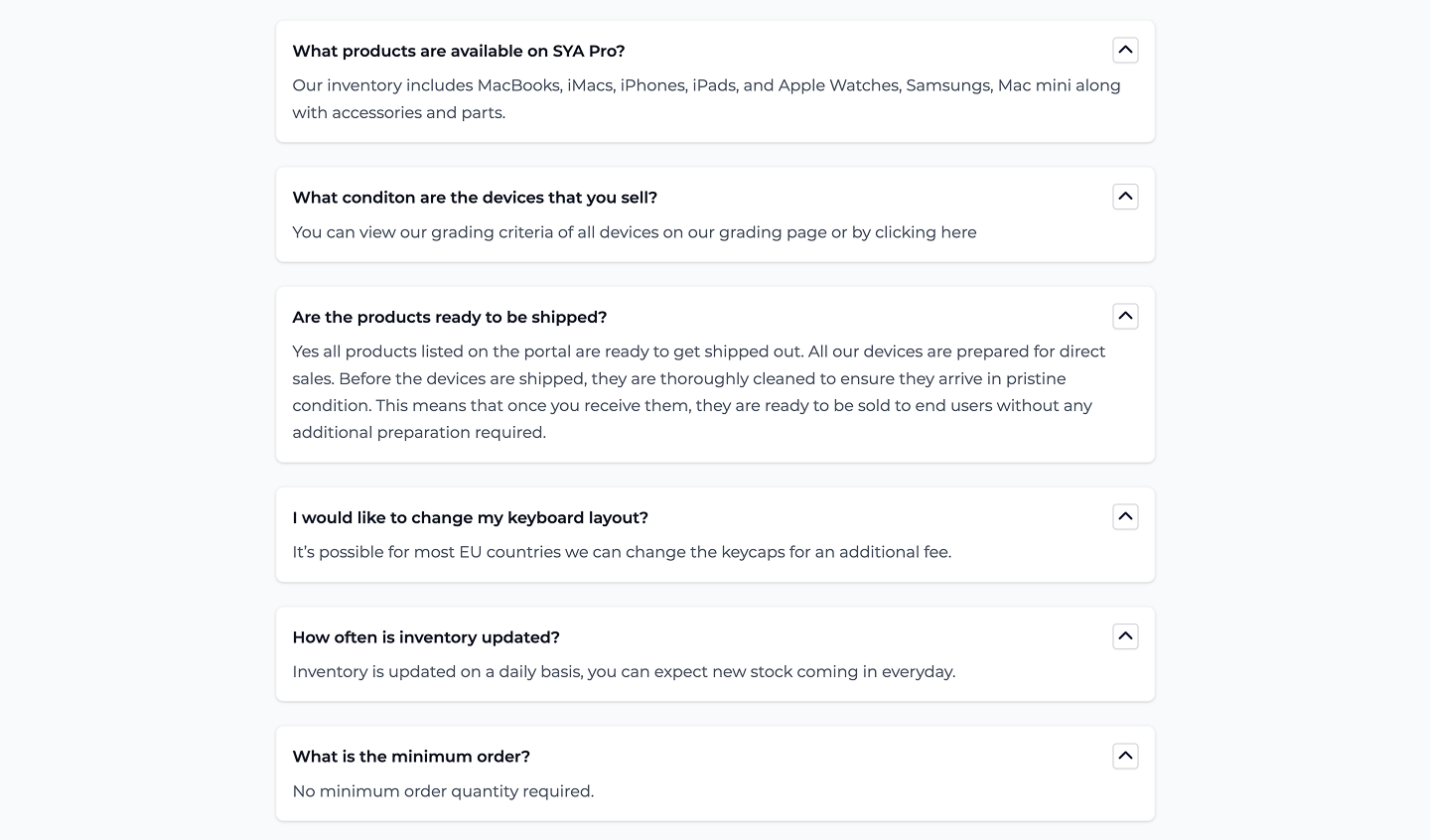
Frequently asked questions
Our FAQ collects the questions we get most often, grouped by topic: ordering, payment, delivery and returns. Useful when you want to check something quickly without having to email. If your question isn't there, our customer service will help you out.
Read more

Contact and support
Whether you have a question about a running order or about something else, you can reach us through the contact form. You can also get in touch directly with the account manager who handles your product categories — they know your file and can think along about your assortment.
Read more